

Ask your iPhone who suggested lunch, let Safari watch a price or turn a sentence into an automated routine. These iOS 27 features give you plenty to try — including smaller changes that could prove just as useful as the new Siri.
This guide draws on Zollotech’s and MacRumors’ YouTube reviews, checked against Apple’s documentation.
The iOS 27 update supports the iPhone 11 and later, as well as the second-generation iPhone SE and later, but Apple Intelligence requires an iPhone 15 Pro or Pro Max, an iPhone 16 model or later, or an iPhone Air. Installing iOS 27 does not unlock every feature on every phone.
- 1. Ask Siri to find the detail you forgot
- 2. Pick up an unfinished Siri conversation
- 3. Make Liquid Glass less liquid
- 4. Turn printed schedule into calendar events
- 5. Let Safari watch for a price drop
- 6. Sort tabs you keep promising to close
- 7. Give a cramped photo more room
- 8. You can finally fix alarm levels
- 9. Tune your AirPods to your taste
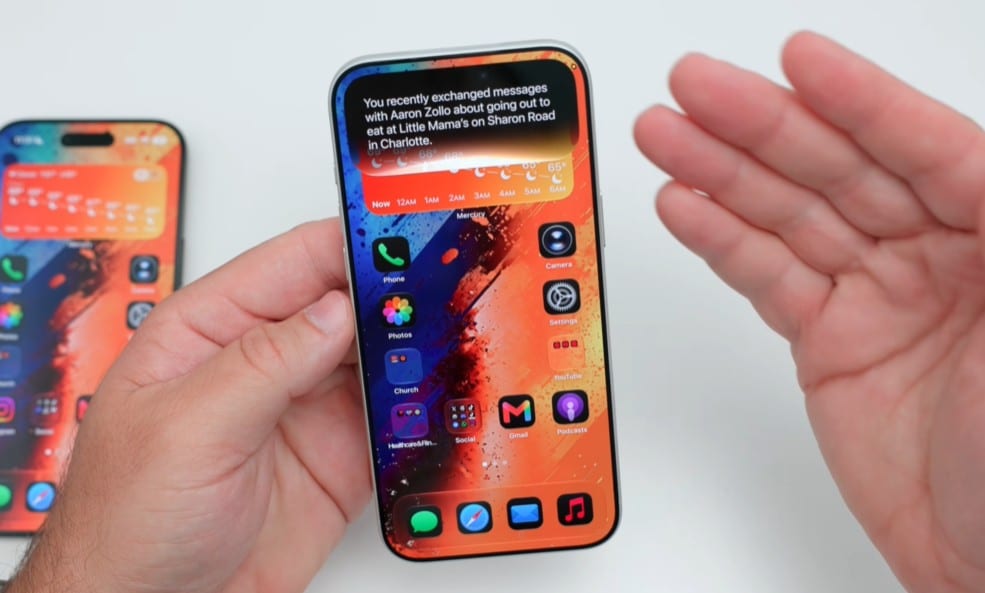
1. Ask Siri to find the detail you forgot
Who mentioned lunch, and where were you meeting? In Zollotech’s demonstration, Siri found the relevant message from a loosely worded question.
To enrol, open Settings → Siri → Try Siri AI (Beta). Apple confirms a waitlist and English-only availability for now; the iPhone version is unavailable in the EU and for mainland China Apple Accounts.
Read more: iOS 27 timings: when Apple’s update releases in Asia
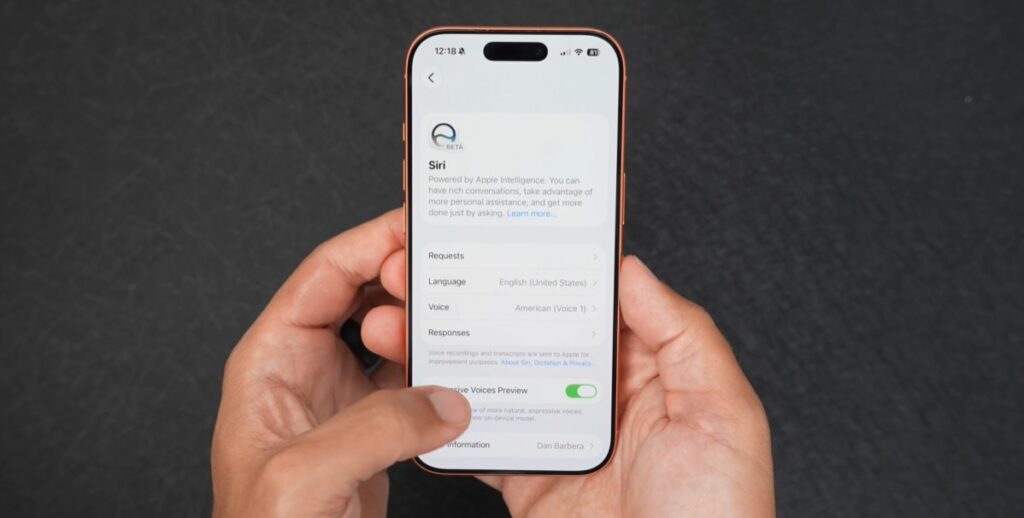
2. Pick up an unfinished Siri conversation
Siri’s dedicated app lets you search and pin previous conversations. MacRumors notes that iCloud syncs history from iPhone to Mac. That makes it useful for revisiting questions without repeating everything.
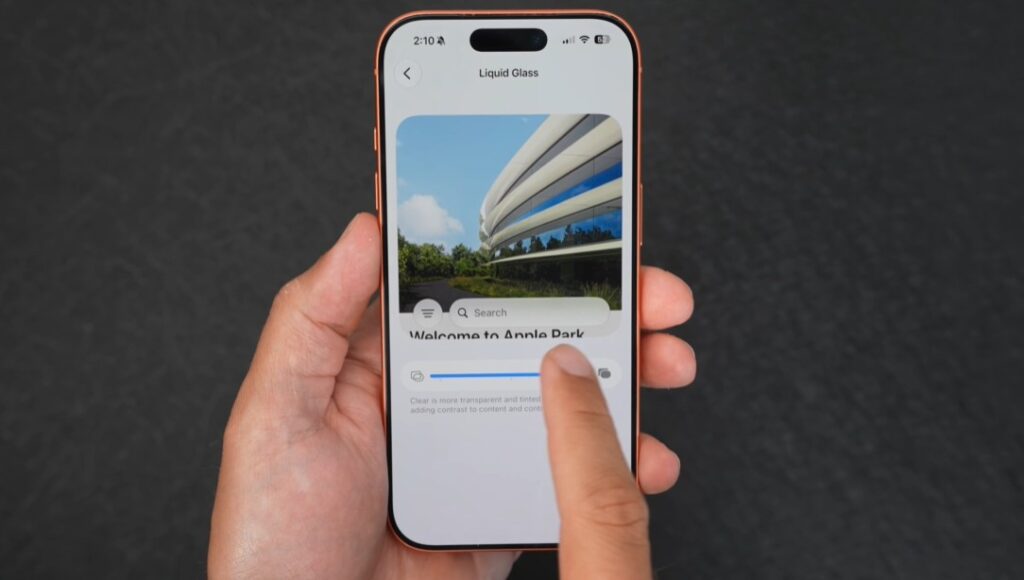
3. Make Liquid Glass less liquid
If transparent menus have been testing your patience, head to Settings → Appearance → Liquid Glass. Both reviewers demonstrated a slider that moves the interface towards a more frosted or tinted finish.
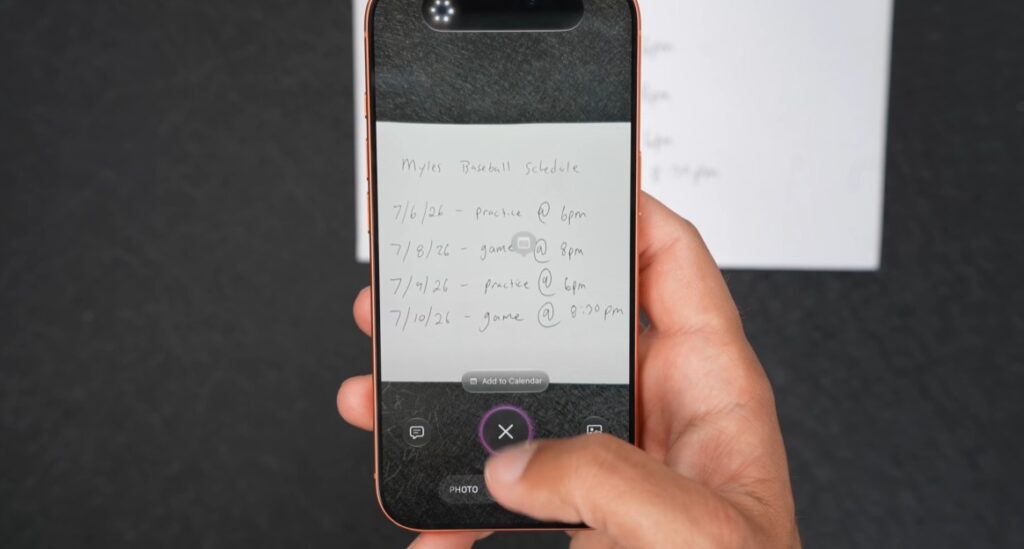
4. Turn printed schedule into calendar events
Siri on the Camera app can gather useful data from your target. MacRumors suggests scanning a schedule to combine calendar events or capturing a business card to create a contact. Apple Cash settlement is US-only, but both reviews show restaurant bill splitting.
5. Let Safari watch for a price drop
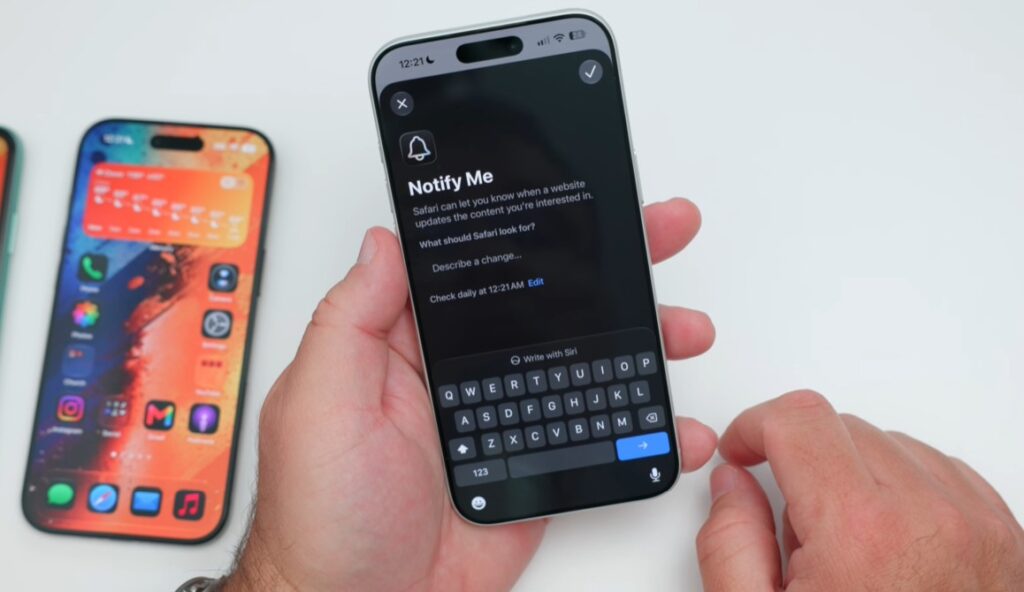
Safari’s Notify Me lets you describe a change to watch for on a webpage, such as a lower price or tickets becoming available. Choose the interval deliberately: a daily check may suit a shopping wishlist, but it could miss a short ticket-sale window.
Dig deeper: iPhone 18 Pro Max vs Galaxy S26 Ultra: Which is worth the price tag?
6. Sort tabs you keep promising to close
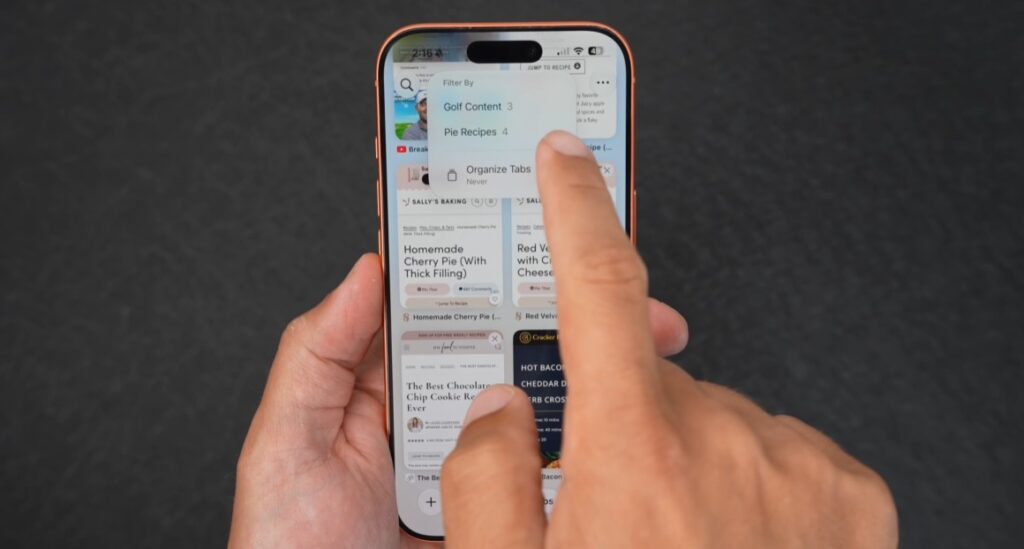
Safari can automatically organise your open tabs into topics. Try it after researching a holiday or comparing phones, when several useful pages have disappeared into a long row of tabs.
7. Give a cramped photo more room
In Photos, Extend generates extra images beyond the original borders, while Spatial Reframing changes the apparent viewpoint. The tools can rescue awkward compositions, but the added details are generated: they do not reveal what the camera actually recorded.

Read more: iPhone Duo hands-on: perks, flaws and $1,999 trade-offs
8. You can finally fix alarm levels
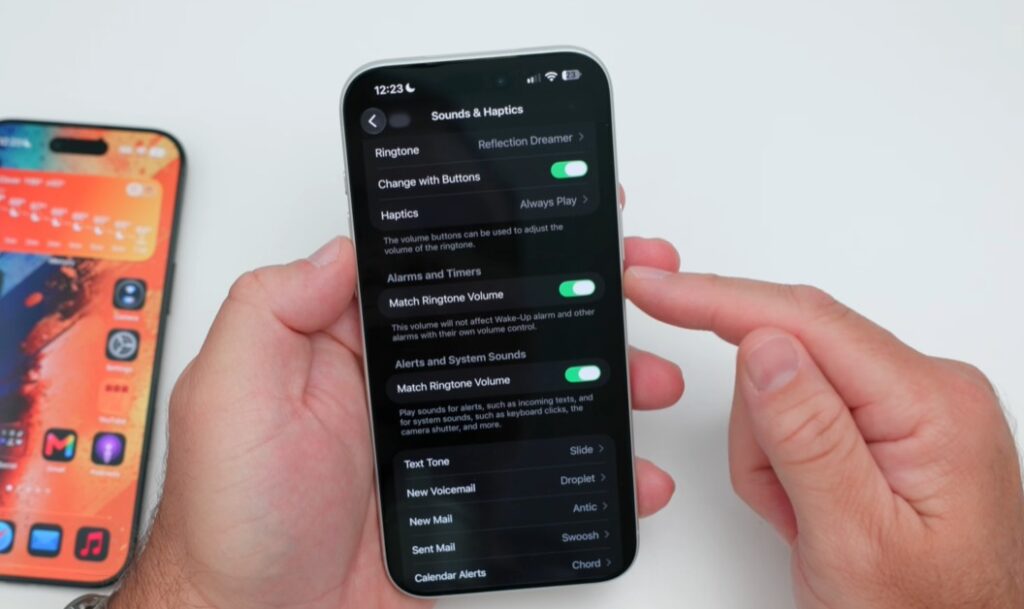
Under Settings → Sounds & Haptics, alarms and timers can be adjusted separately from alerts and system sounds.
Unlinking the controls and setting their levels independently is a small change with an obvious benefit: lowering everyday notification sounds no longer requires accepting the same volume for your wake-up alarm.
9. Tune your AirPods to your taste
The new custom equaliser lets you adjust the bass, mids and treble while you listen. Zollotech demonstrates it with AirPods 4 under Audio & Routing → Equaliser, switching from the recommended profile to custom controls. Compatible AirPods need current firmware; play a familiar song while adjusting the sliders so you can hear what changes.