Samsung One UI 9 brings new AI tools and controls to Galaxy S26

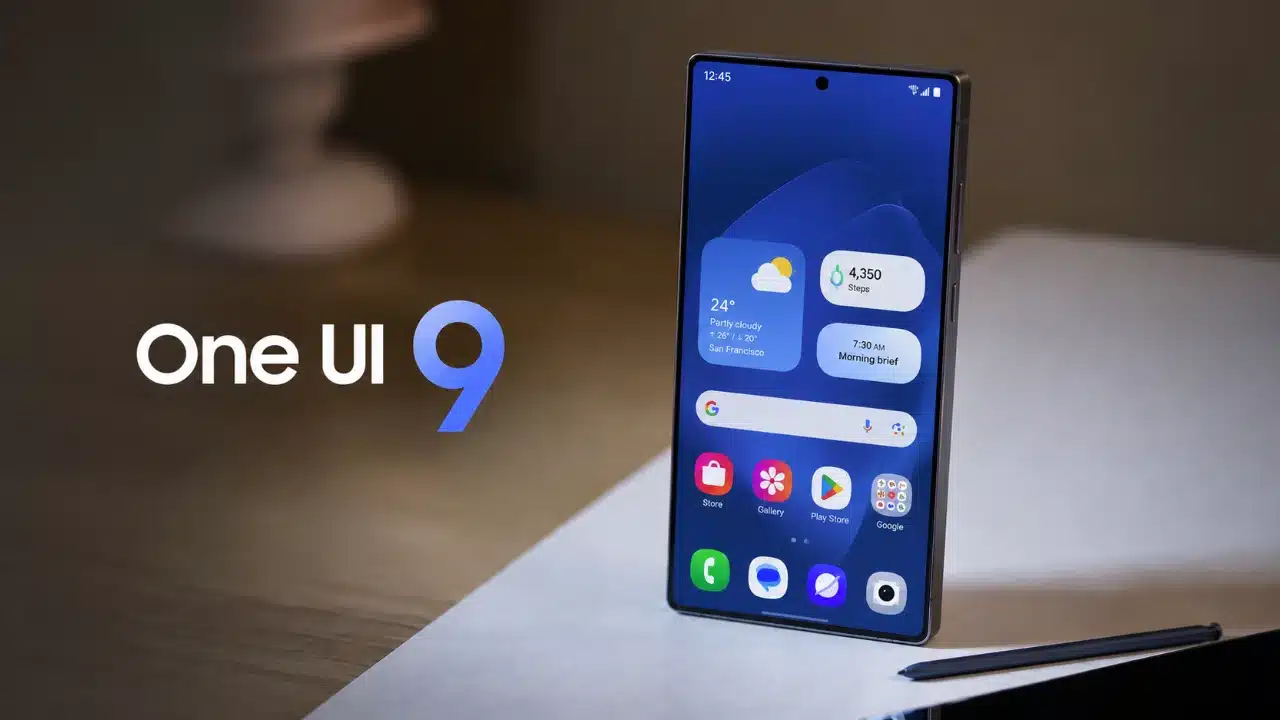
Samsung’s One UI 9 update is giving Galaxy S26 owners a new set of AI features, customisation tools and productivity upgrades as the company expands its Android 17-based software.
Samsung began rolling out the stable version of One UI 9 to the Galaxy S26, S26+ and S26 Ultra on September 16. The software had previously debuted on the Galaxy Z Fold 8 Ultra, Fold 8 and Flip 8.
For S26 users, however, the update is less of a complete redesign than an expansion of features introduced with One UI 8.5. Some camera and interface tools were already available on the phones at launch, while One UI 9 adds several functions that were previously missing.
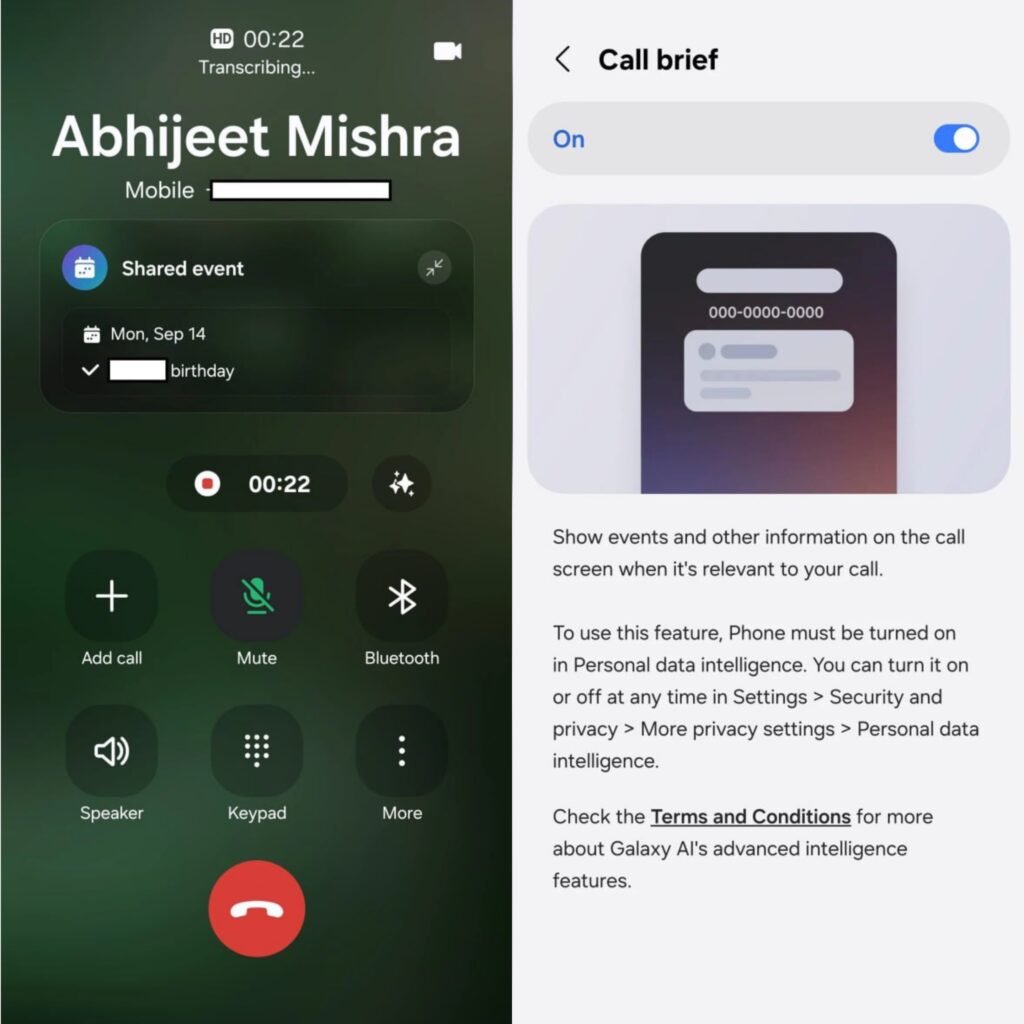
Among the more prominent additions is Call Brief, which can display contextual information while a call is in progress. For example, calling someone abroad may bring up their country and local time directly on the call screen. The information shown depends on what the system considers relevant.
Samsung has also added My FanCam, an AI-powered video editing tool that tracks a selected person in an existing recording. Users can choose a subject, orientation and aspect ratio, then create a reframed version while keeping the original video intact. Samsung says the tool is designed to make footage easier to prepare for social media.
Now Brief gets more personal
One UI 9 expands Now Brief with customisable cards that can combine information from weather, health and video services.
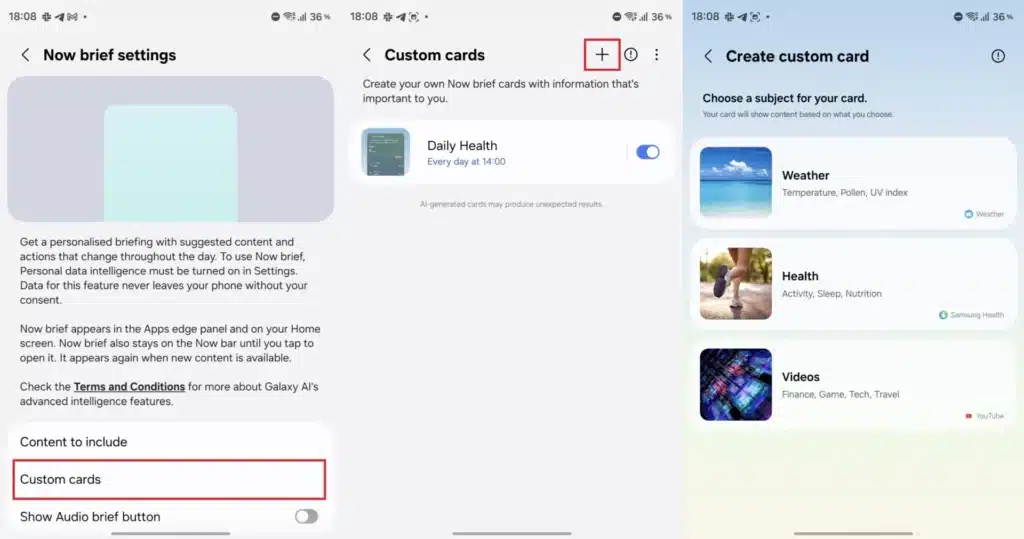
Users can create up to three cards and decide when they should appear. A weather card, for example, can combine the forecast, rain probability, wind conditions and sunrise or sunset times. Health cards can include sleep data, step counts, recent activity and Samsung’s Energy Score.
Samsung has also expanded Now Brief with security information. The company’s Security Brief feature can flag issues including malware warnings, apps installed from unknown sources and permissions that may no longer be necessary.
The Quick Panel has received smaller but more visible changes. Samsung has enlarged the brightness and volume controls and added more options for resizing them and the media player. Users can also separate the sound mode control from the volume slider.
Another new section, Warranty and care, brings support tools into Settings. Galaxy owners can check warranty details for devices linked to their Samsung account, run diagnostics and access repair or remote support options. Availability of some services varies by market.
DeX, camera and accessibility also get updates
Samsung DeX now makes it easier to manage multiple desktops. Users can move an app window between desktops from the window menu, while desktop previews appear in the Recents screen for faster switching. One UI 9 also adds an option to automatically hide the status bar and taskbar to free up screen space.
Camera changes on the Galaxy S26 series are more limited because functions including 24MP photography and Super Steady video with Horizontal Lock were already available under One UI 8.5.
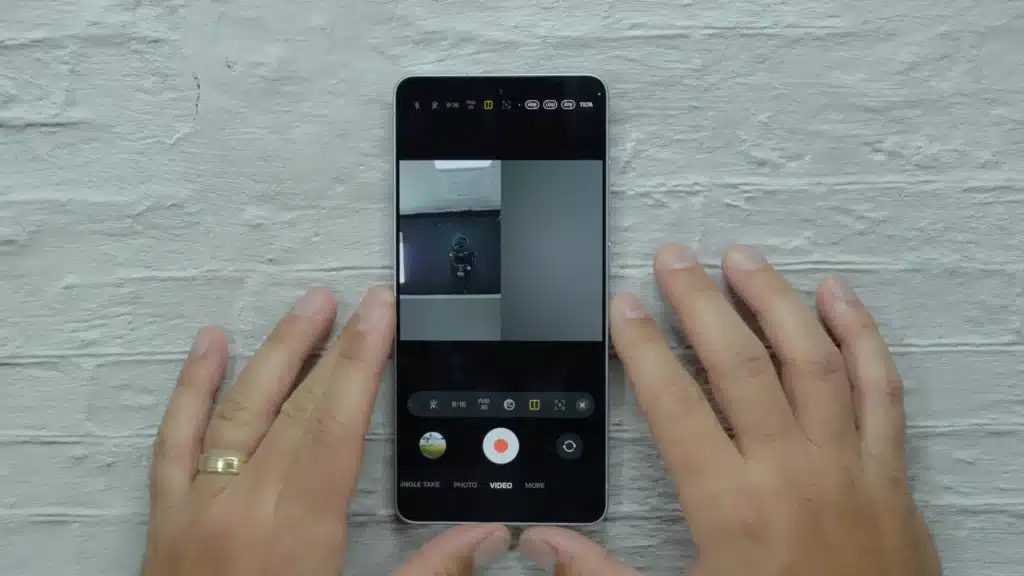
One UI 9 does add new horizontal and vertical split layouts to Dual Recording, allowing users to change how footage from two cameras appears in a combined video.
Bixby now has home screen widgets in three sizes, providing shortcuts for voice or text input and access to previous conversations.
Samsung has also added accessibility features including Text spotlight, which enlarges selected text, and Select to speak, which reads chosen on-screen content aloud without requiring users to enable the full TalkBack screen reader.
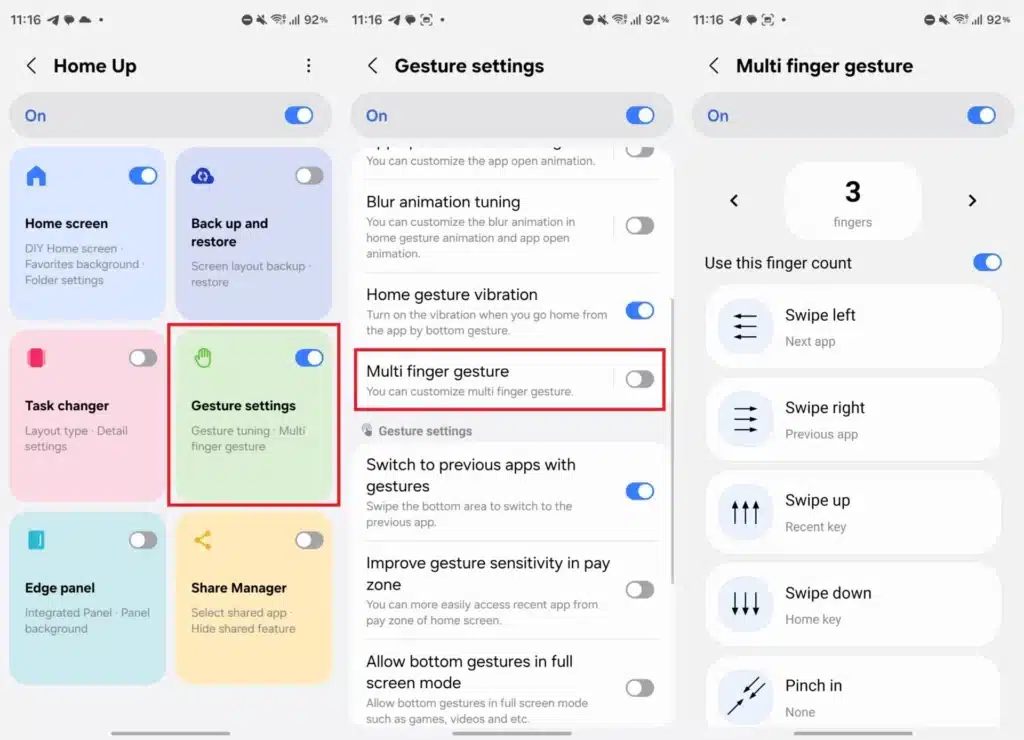
Other changes include a Driving Report that can use a car’s Bluetooth connection and location data to record journeys, as well as new multi-finger gesture options through Samsung’s Good Lock Home Up module.
For Galaxy S26 owners, One UI 9 therefore focuses less on changing the look of Samsung’s software and more on adding AI functions, more profound customisation and shortcuts to features that previously required extra steps.