Galaxy S25 Ultra, S24 Ultra owners report severe battery drain after July update

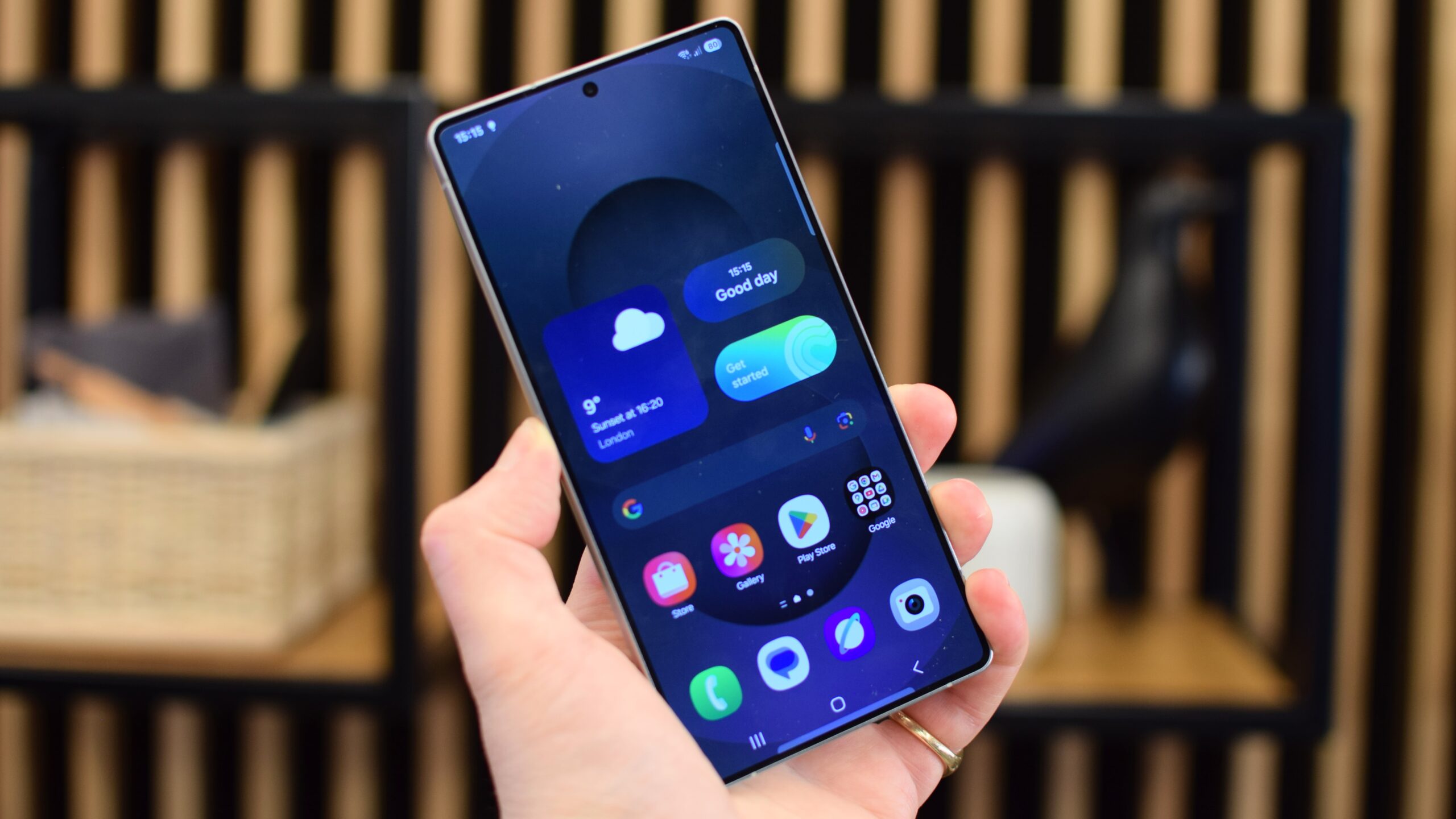
Samsung’s recent July 2026 software update is causing severe issues for a growing number of Galaxy S25 Ultra and Galaxy S24 Ultra owners. Over the past few days, reports have surfaced on Reddit and Samsung’s community forums detailing a sudden and dramatic decrease in battery life immediately following the patch’s installation.
One affected Galaxy S25 Ultra user reported their daily battery consumption skyrocketed to 143% after the update, a significant jump from their usual 80%. This drain appears to occur primarily when the device is idle, as the user noted spending less time on their phone than usual.
In addition to the rapid power loss, owners report their devices are running significantly warmer than normal. Some users have also experienced slower charging speeds. The specific firmware version linked to these problems on the Galaxy S25 Ultra models ends in «CZG3», although Galaxy S24 Ultra users are reporting identical symptoms.
The suspected cause and a potential workaround
This situation mirrors a similar incident in April, when Galaxy S24 Ultra and S25 Ultra owners reported severe battery drain and overheating following a different software update.
User reports suggest the root of the current problem may not be the July patch itself, but how it interacts with the WhatsApp messaging application. The update appears to cause WhatsApp to become stuck in a loop during its encrypted backup process. Because the app constantly attempts to resume and complete the backup, the processor remains active, drawing high power and generating excess heat even when the phone is not in use.
Some users have found temporary relief by manually cancelling the stuck WhatsApp backup, which immediately restored normal idle battery consumption. Others reported success by completely disabling WhatsApp’s end-to-end encrypted backups, allowing the backup to finish, and then re-enabling the feature.
While disabling encryption is a minor inconvenience, it temporarily removes an additional layer of protection for private conversations. Users who attempt this workaround are advised to re-enable the feature once the backup is complete. Some owners report success by turning off automatic cloud backups entirely until an official fix is released.
Several users have submitted reports to Samsung via the community forum, but the company has not yet issued an official response or a permanent fix for the issue.