

Apple continued its tradition of naming Mac software after California with the release of macOS 27 Golden Gate on 14 September. Included in its earlier releases are mountain lakes, desert landscapes, coastal towns, and enormous trees, providing a miniature geography lesson.
Here are the places and landscapes behind the ten versions that preceded the Golden Gate.
- Tahoe — macOS 26
- Sequoia — macOS 15
- Sonoma — macOS 14
- Ventura — macOS 13
- Monterey — macOS 12
- Big Sur — macOS 11
- Catalina — macOS 10.15
- Mojave — macOS 10.14
- macOS 10.12 Sierra — 2016
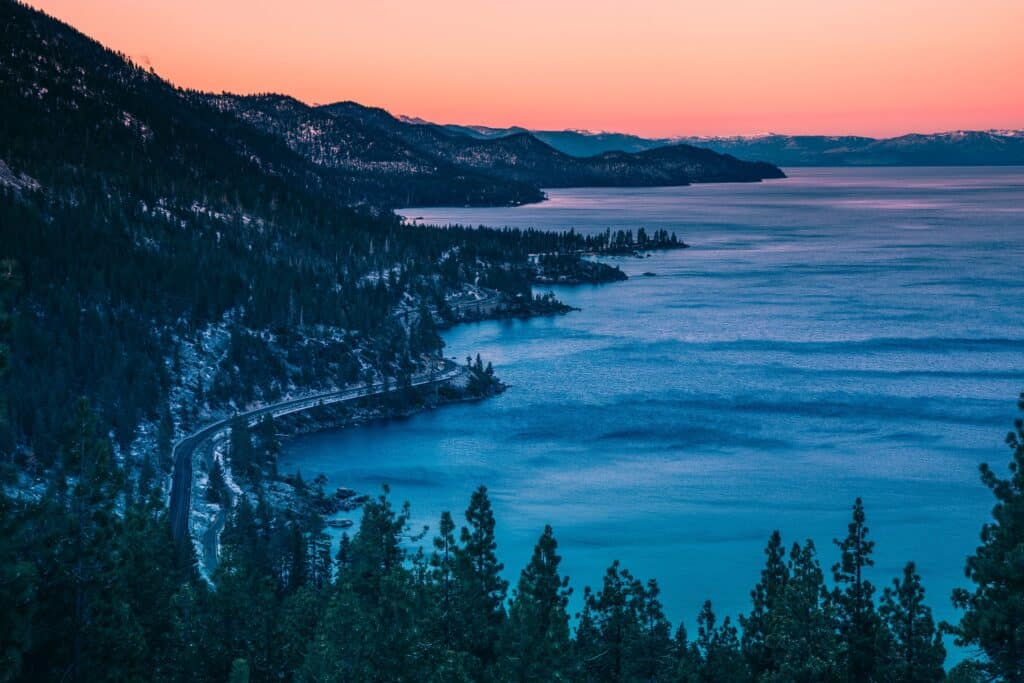
Tahoe — macOS 26
Tahoe takes its name from Lake Tahoe, a mountain destination shared by two states.
- What is it: A large freshwater lake in the Sierra Nevada.
- Where is it: On the California–Nevada border.
- Famous for: Clear blue water, Emerald Bay and outdoor activities ranging from kayaking to winter skiing.
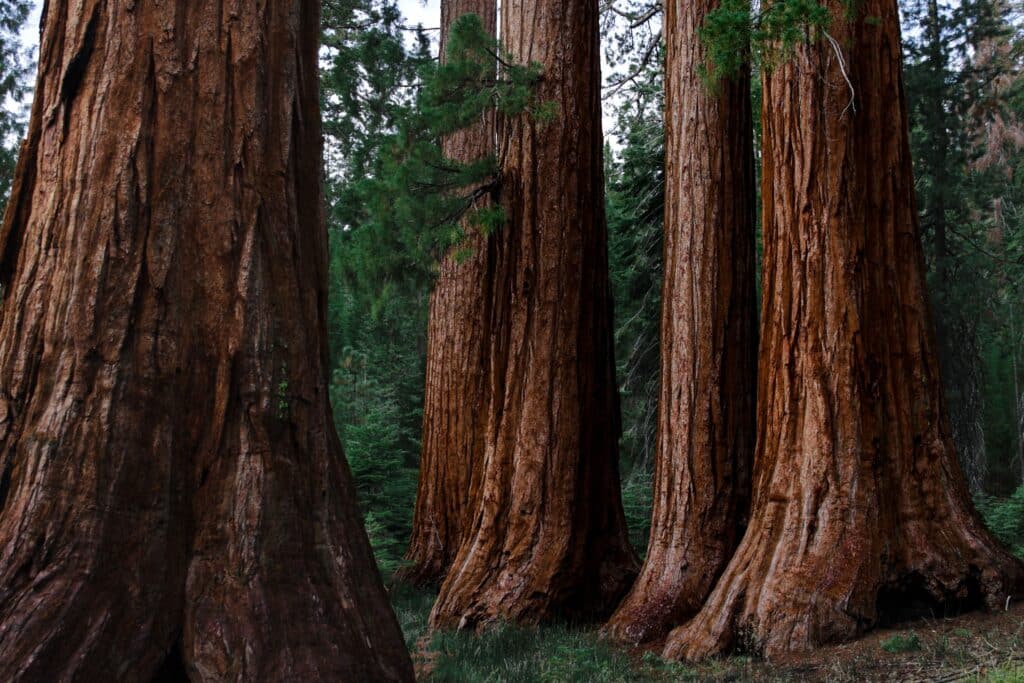
Sequoia — macOS 15
Sequoia points to California’s giant trees, which visitors can encounter in Sequoia National Park.
- What is it: The giant sequoia, an exceptionally large and long-lived tree.
- Where is it: Groves in California’s Sierra Nevada.
- Famous for: Colossal trunks and trees such as General Sherman, one of the national park’s main attractions.
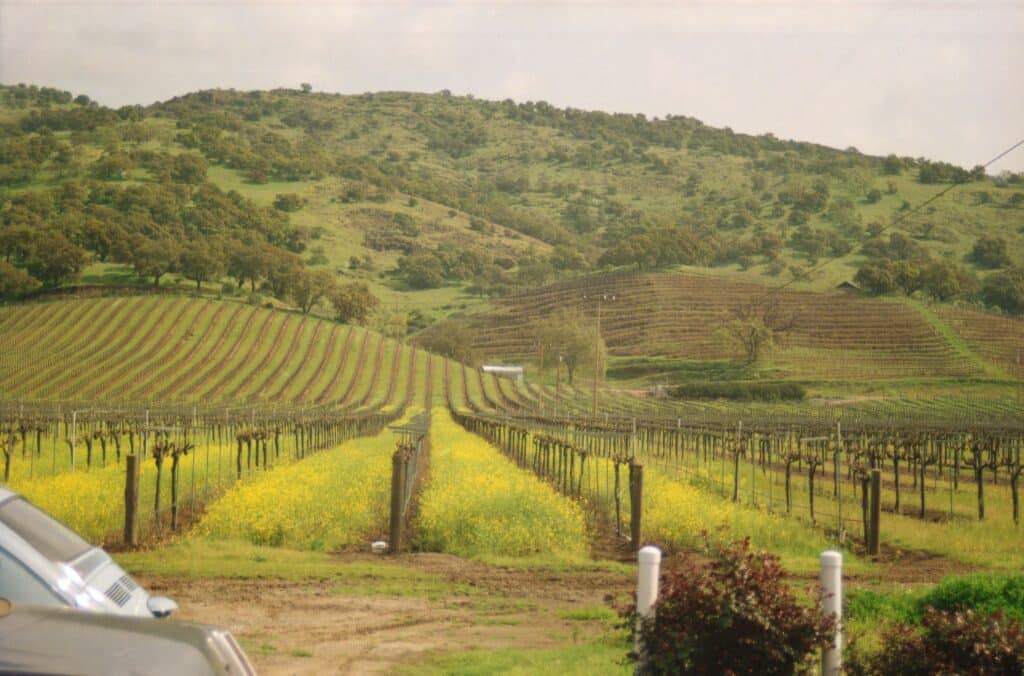
Sonoma — macOS 14
Sonoma combines wine country with redwood forests and a stretch of Pacific coastline.
- What is it: A county and wine region that also contains a city called Sonoma.
- Where is it: Northern California, north of San Francisco.
- Famous for: Vineyards, wine tasting, the Russian River and coastal scenery.
Read more: Apple launches the $599 MacBook Neo
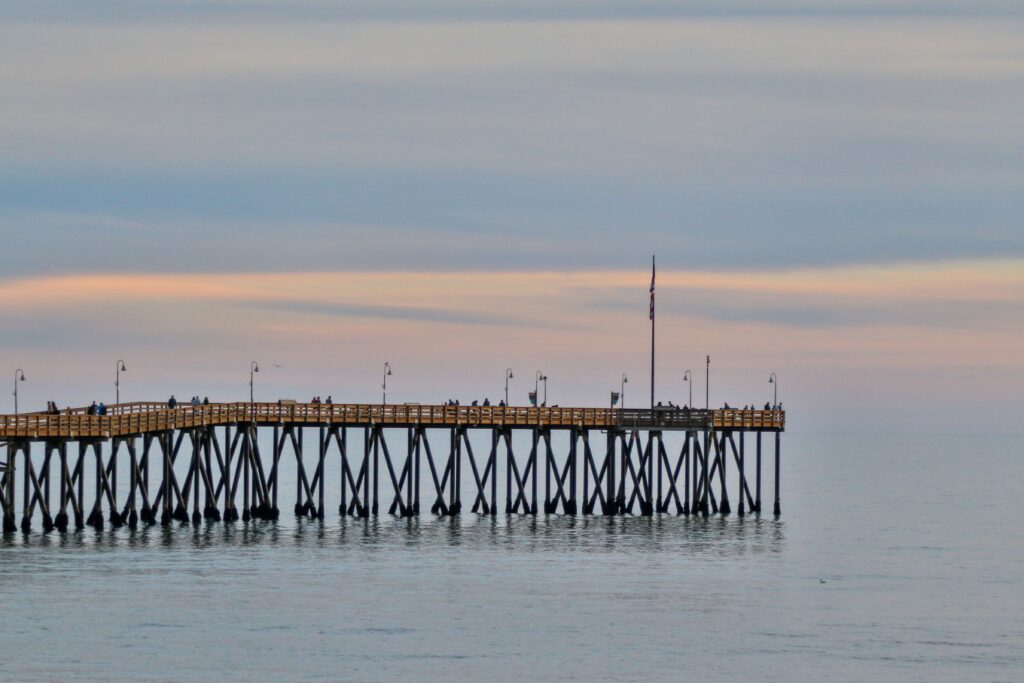
Ventura — macOS 13
Ventura offers a coastal stop and a departure point for exploring California’s Channel Islands.
- What is it: A seaside city, formally called San Buenaventura.
- Where is it: Northwest of Los Angeles, towards Santa Barbara.
- Famous for: Beaches, surfing and boat trips from its harbour to Channel Islands National Park.
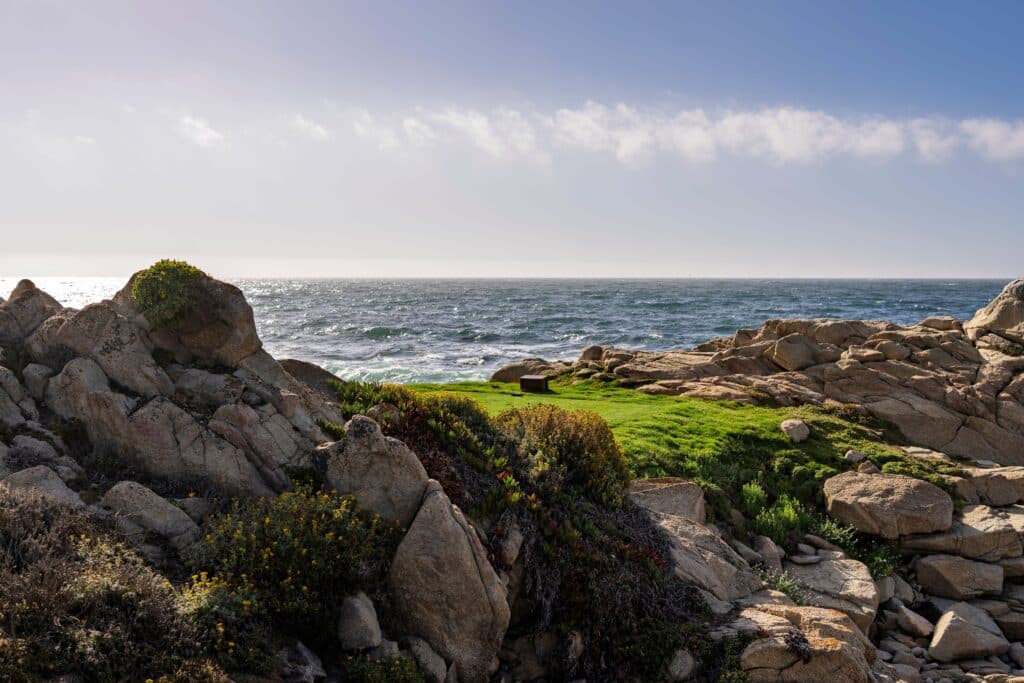
Monterey — macOS 12
Monterey is one of the best-known stops along California’s central coast.
- What is it: A coastal city on Monterey Bay.
- Where is it: South of San Francisco, on the Monterey Peninsula.
- Famous for: Monterey Bay Aquarium, whale watching and its historic waterfront.
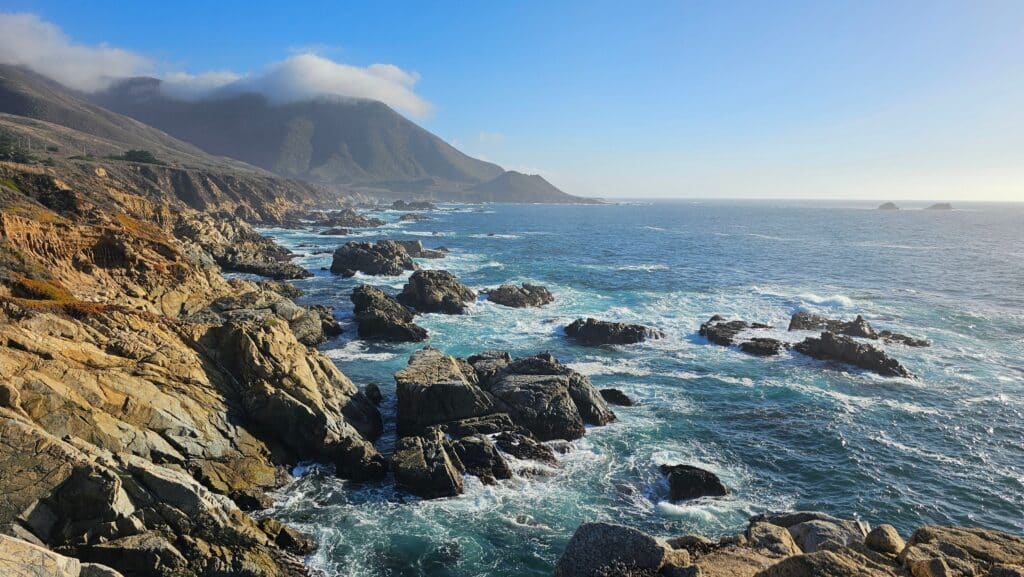
Big Sur — macOS 11
Big Sur names a broad coastal region where forests and mountains meet the Pacific.
- What is it: A rugged stretch of coastline.
- Where is it: Central California, south of Carmel and towards San Simeon.
- Famous for: Highway 1, steep ocean cliffs, redwood forests and coastal camping.
Read more: What could change in Apple’s next MacBook and iMac updates
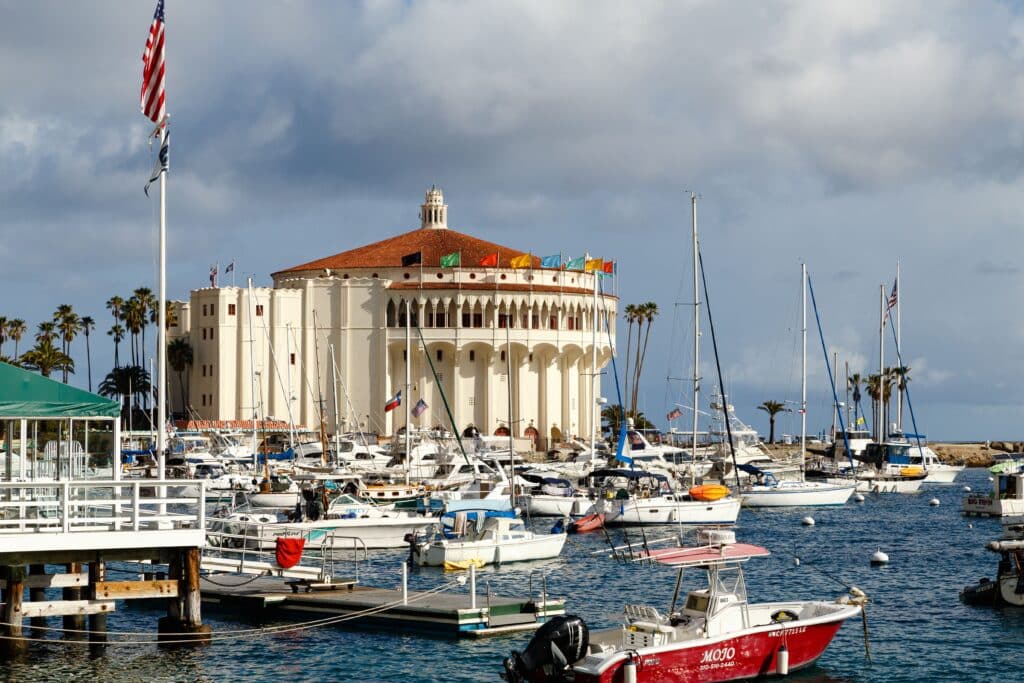
Catalina — macOS 10.15
Catalina refers to Santa Catalina Island, a popular escape from the Southern California mainland.
- What is it: An island in the Channel Islands archipelago.
- Where is it: Off the coast of Los Angeles and Orange County.
- Famous for: Avalon’s waterfront, secluded coves, kayaking and snorkelling.
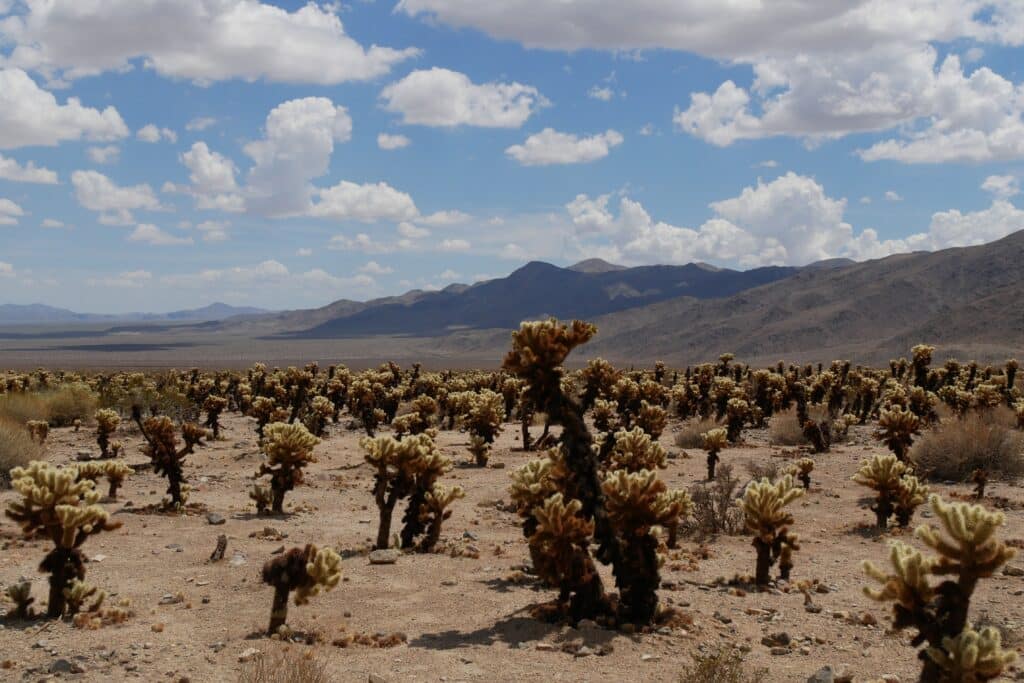
Mojave — macOS 10.14
Mojave turns from the coast to the desert, with landscapes that include Joshua trees, dunes and volcanic formations.
- What is it: A desert region in the southwestern United States.
- Where is it: Across parts of California, Nevada, Arizona and Utah.
- Famous for: Joshua trees, stark mountain scenery and the dunes of Mojave National Preserve.
macOS 10.12 Sierra — 2016
Sierra refers to the wider Sierra Nevada mountain range, which also supplies several other names in Apple’s collection.
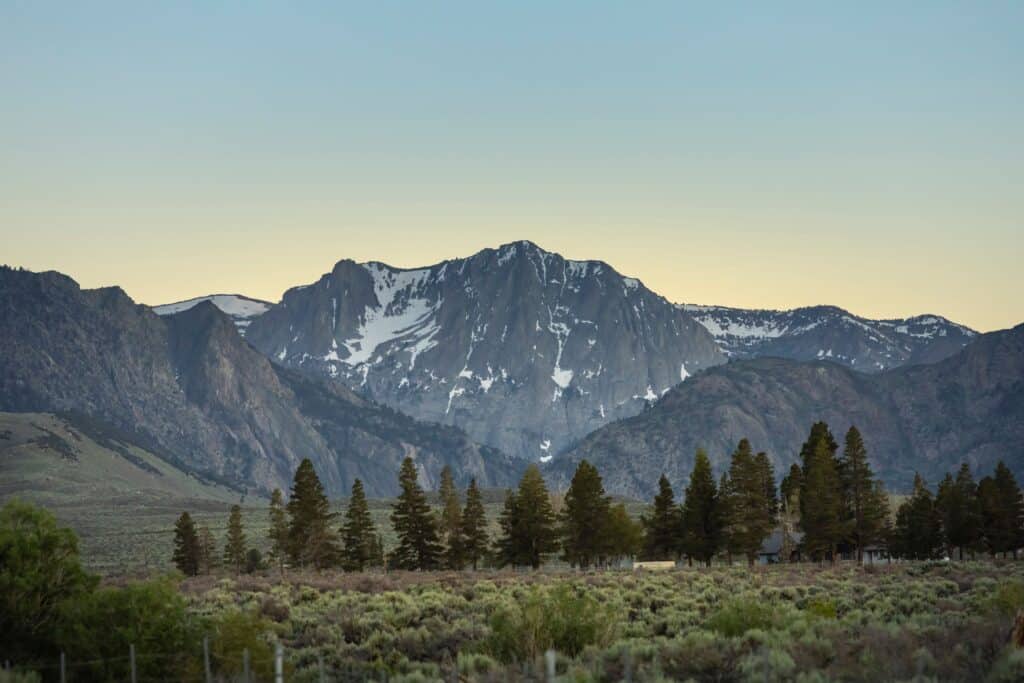
- What is it: A major mountain range in the western United States.
- Where is it: Mainly in eastern California, extending into Nevada.
- Famous for: Yosemite’s granite scenery, giant sequoia groves and Lake Tahoe.