Windows 11 preview update adds Start menu and taskbar controls

Microsoft has released a major preview update for Windows 11, introducing new controls for the Start menu and taskbar alongside a broad set of fixes and system improvements.
The optional update, KB5120998, is available for Windows 11 versions 24H2 and 25H2. While preview updates are not installed automatically, many of their changes are expected to reach a wider audience through future monthly releases.
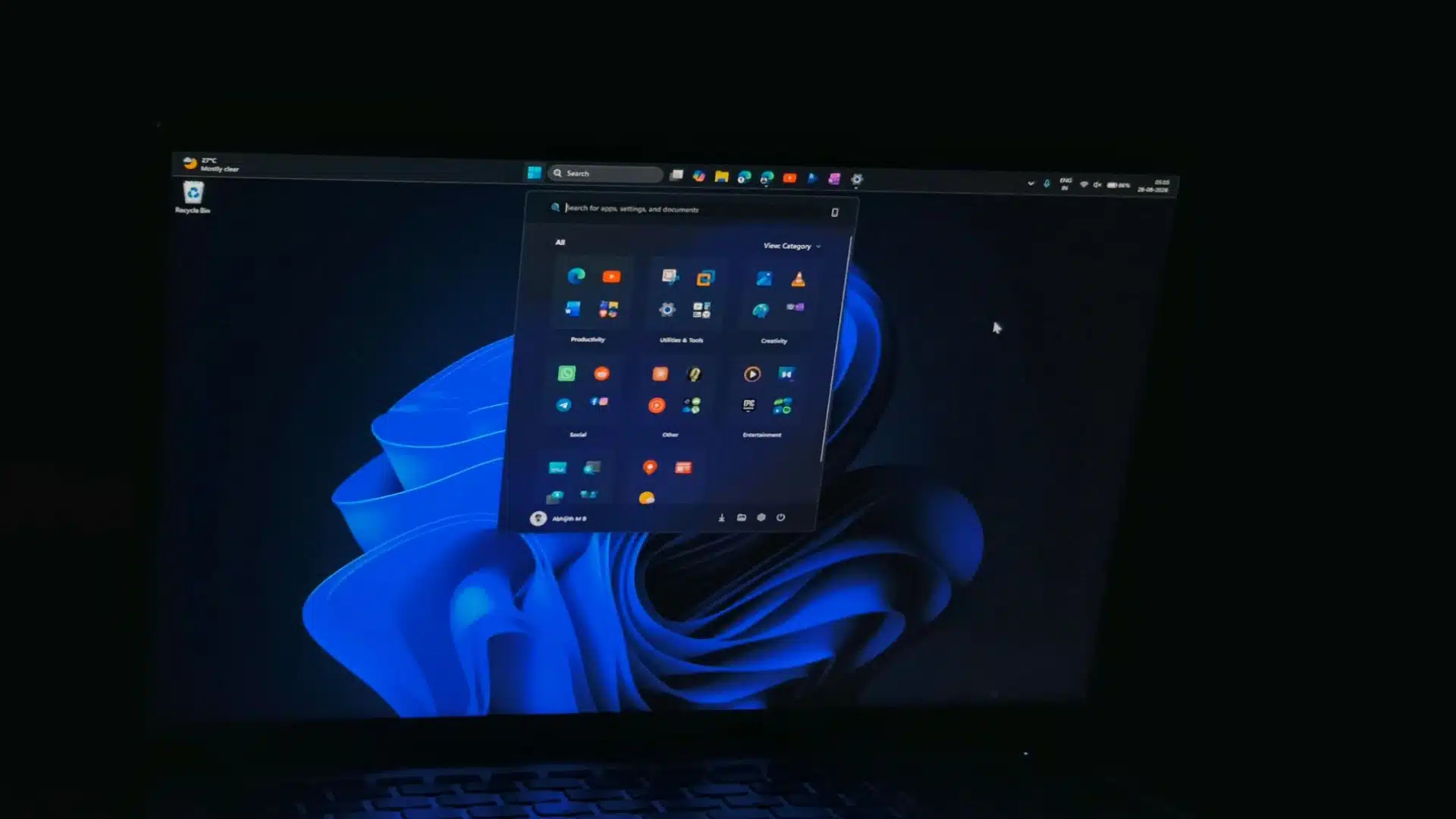
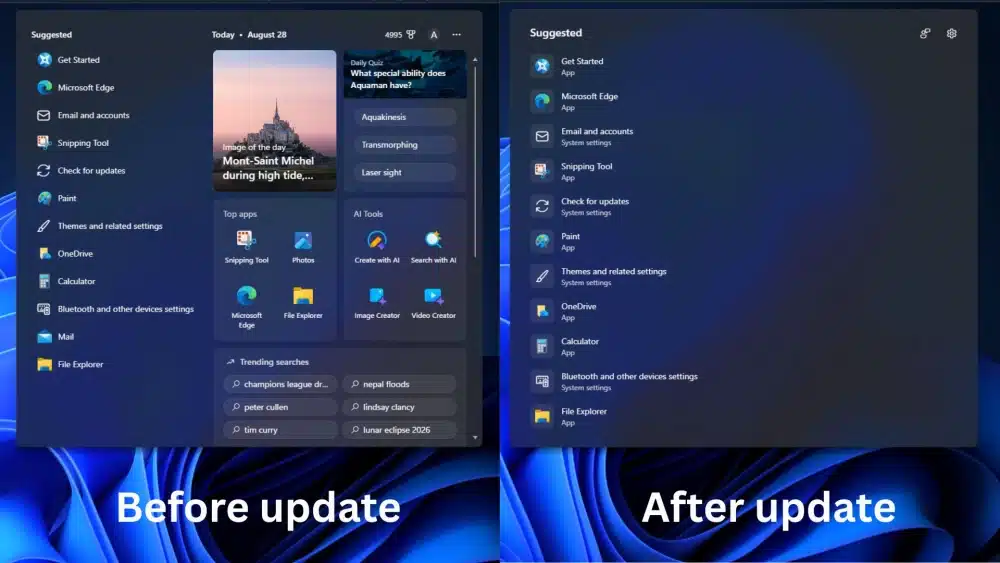
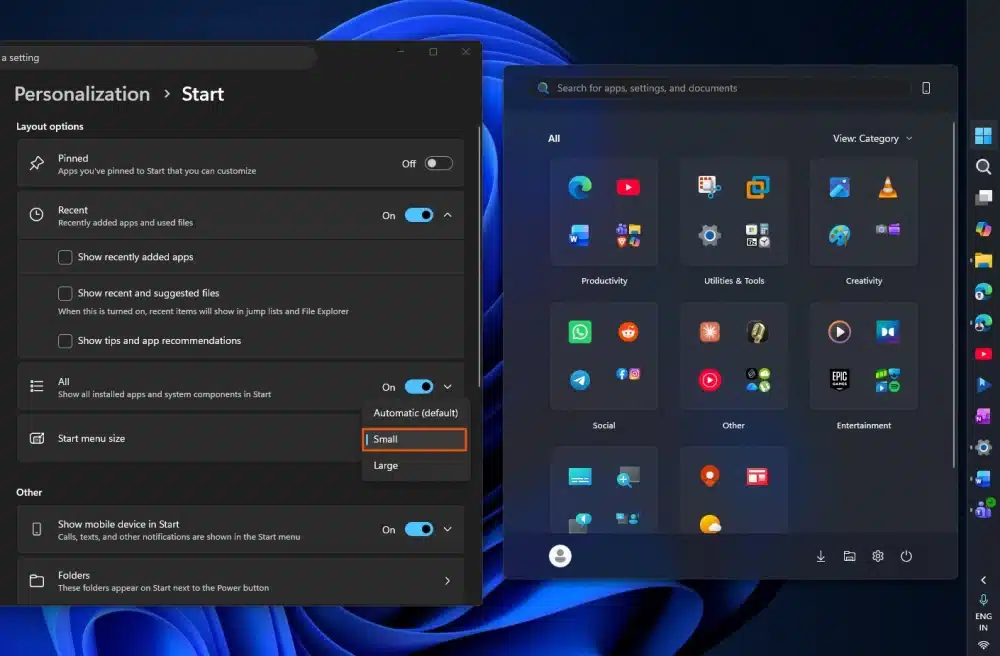
One of the most noticeable additions is a more flexible Start menu. Users can now select small or large layouts rather than relying solely on the existing automatic option. Microsoft has also renamed the «Recommended» section to «Recent», reflecting its focus on recently used files and applications.
The update also expands personalisation controls elsewhere in the interface. Users can adjust more aspects of how the Start menu is displayed, giving them greater control over the amount of space dedicated to pinned apps and recent activity.
Taskbar gains long-requested flexibility
KB5120998 also brings significant changes to the taskbar, an area where Windows 11 has faced repeated criticism for offering fewer customisation options than earlier versions.
The update introduces greater flexibility in the taskbar’s position and appearance, allowing users to tailor the interface more closely to their preferred workflow. Microsoft is also refining taskbar behaviour and addressing issues that have affected its stability and responsiveness.
Windows Search receives several improvements as well. The changes are intended to make search results easier to understand and improve the handling of frequently accessed content, reducing the friction involved in locating files and applications.
The update includes fixes across several other areas of the operating system, including File Explorer, networking and system reliability. Microsoft has also addressed bugs affecting specific user experiences, continuing its recent focus on polishing the interface rather than limiting updates to major new features.
Broad rollout may take time
As with other Windows feature updates, some new capabilities will be introduced gradually. This process means that two devices running the same version of Windows may not immediately receive every change included in the update.
Users who want to install KB5120998 can check for optional updates through Windows Update. Those who prefer to wait can expect many of the improvements to arrive in a later regular cumulative update.