Can Honor MagicPad 4 replace your laptop? I spent a week finding out

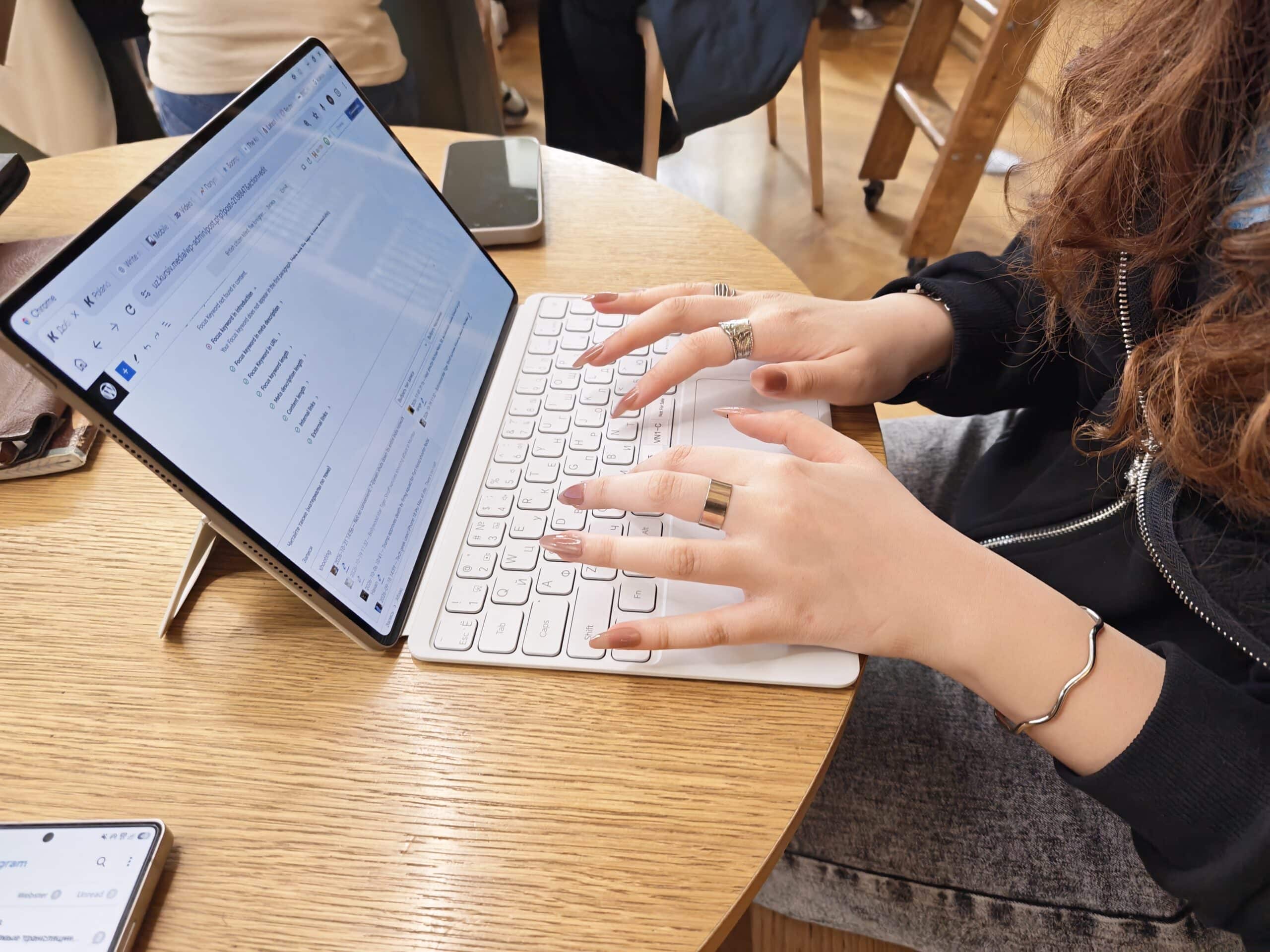
Can a tablet handle a journalist’s working day without sending them running back to their laptop? After spending a week with the Honor MagicPad 4, complete with its keyboard and stylus, I was surprised by how close the answer came to yes.
Honor Uzbekistan provided the device for our new series of hands-on tech reviews, where we focus on how gadgets perform in everyday work rather than just benchmark scores.
And while I expected a good tablet, I did not expect to enjoy working on it quite this much.
A keyboard that actually feels like a laptop
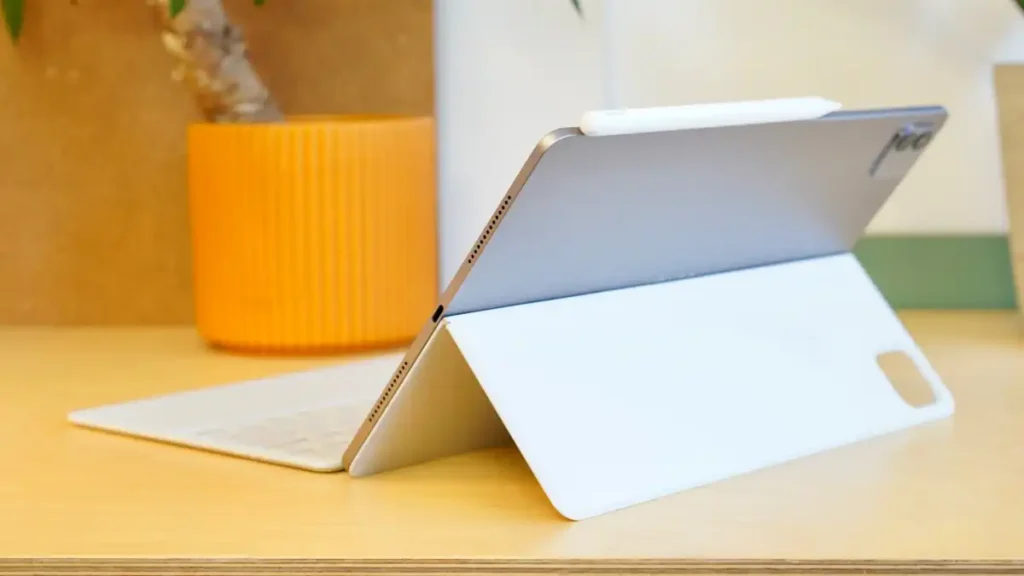
The first thing that impressed me was not the tablet itself, but its detachable keyboard.
The white keyboard case comes with a built-in stand and trackpad and feels surprisingly solid. Its keys are naturally smaller than those on my 16-inch laptop, but adjusting to them took very little time.
I was also slightly worried about keeping a white keyboard clean. After a week of use, however, it showed no noticeable marks.
The tablet is remarkably light. At just 450 g and 4.8 mm thick, it almost felt as light as the Honor Magic8 Pro smartphone I had previously reviewed. Of course, the tablet is considerably heavier, but it certainly did not feel that way when I was holding it.
Its portability is a major advantage. I could simply put it in my handbag instead of carrying a backpack for my laptop.
Nine hours of work, 64% battery remaining
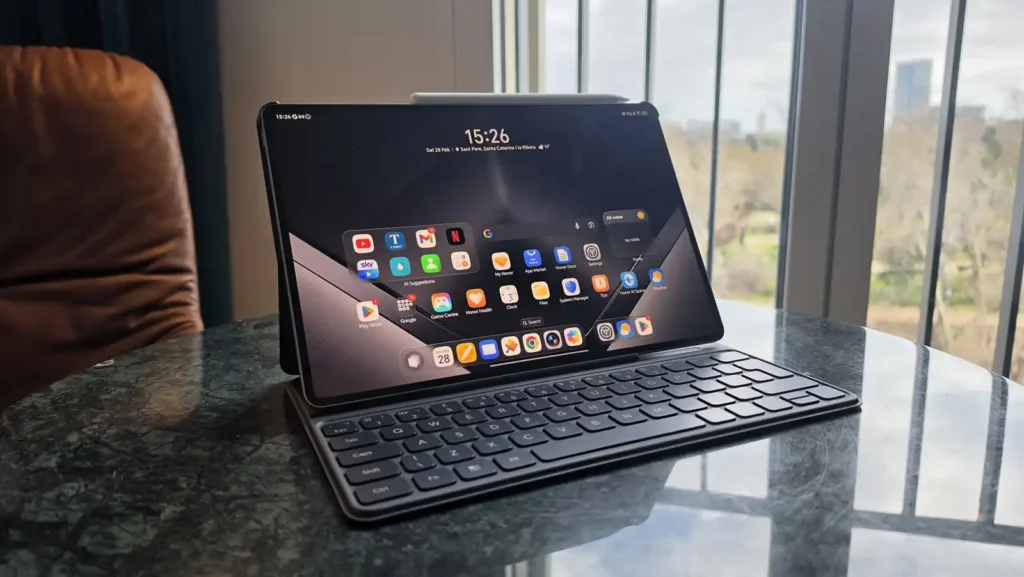
The MagicPad 4 features a 12.3-inch OLED display with a 165Hz refresh rate, a Snapdragon 8 Gen 5 processor and a 10,100 mAh battery, according to Honor’s specifications.
I took it to work for a full day, spending around nine hours using browsers, Telegram, AI tools, social media and YouTube to research stories and look for newsworthy developments.
Admittedly, it was not my busiest working day. Still, I returned home with 64% battery remaining.
The screen was also a nice surprise. It is bright, colourful and extremely responsive. I also noticed that my eyes felt less tired after several hours than they normally do when working on my laptop’s non-OLED display.
I cannot say whether that would be true for everyone, but it certainly made long working sessions more comfortable.
Genshin Impact runs beautifully, with one catch
Naturally, one of the first things I did was launch Genshin Impact.
Despite not being specifically marketed as a gaming tablet, the MagicPad 4 handled the game impressively well. I played for around 30 minutes at maximum graphics settings while recording the screen, without noticeable lag or overheating.
The entire session consumed just 15% of the battery.
However, there was one graphical difference I could not ignore.
I noticed it on the Tsaritsa‘s fur coat. On my laptop, the fur looks noticeably fluffier and more detailed, while the tablet version appears flatter and almost two-dimensional.

That is more a limitation of the mobile version of Genshin Impact than a problem with Honor’s hardware. Otherwise, the gaming experience was excellent.
The cameras are fine, but nothing special
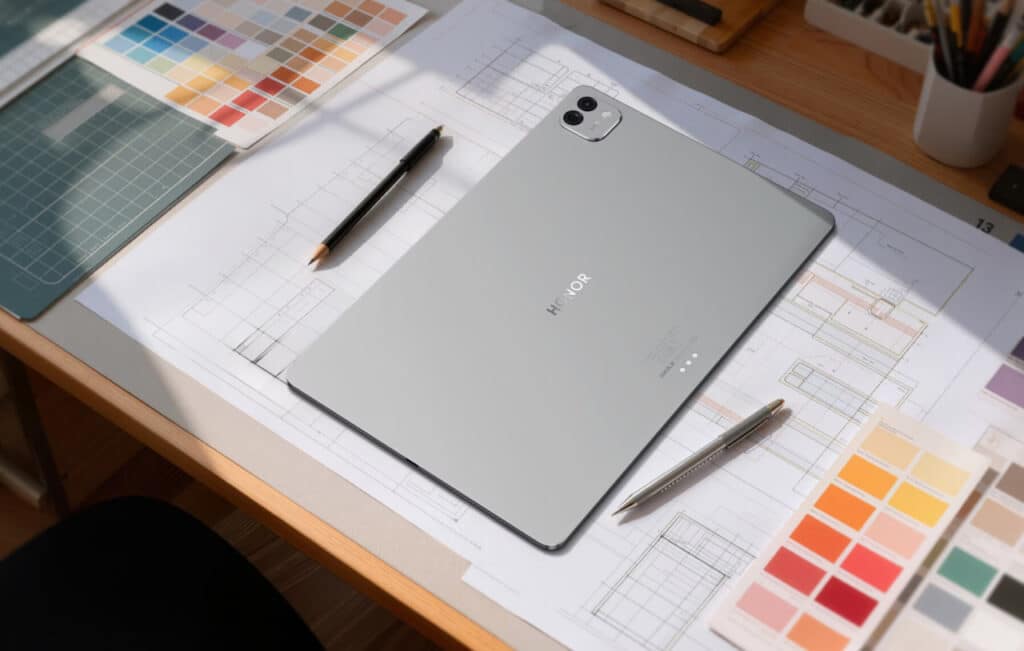
The MagicPad 4 has a 12 MP rear camera and a 9 MP front camera.
Neither particularly impressed me. They are perfectly adequate for video calls and occasional pictures, but if you want beautiful photographs, especially in poor lighting, you are better off using your smartphone.
I was not particularly disappointed, though. I approached the MagicPad 4 primarily as a productivity device, and photography was never a priority.
So, could I replace my laptop with it?
After a week, I had developed one rather funny habit: I kept reaching towards my laptop screen to tap things, forgetting it was not touch-sensitive.
That probably says more about how quickly I got used to the MagicPad 4 than any benchmark could.
The keyboard feels premium, the display is excellent, and the battery easily handled my working day. Even demanding games ran without noticeable problems during my short test.
I would not completely abandon my laptop, especially for tasks that require specialised desktop software. But for writing articles, researching stories, managing messages and watching videos, the MagicPad 4 proved more than capable.
And the fact that I could leave my backpack at home made it even more appealing.
